# HaveIBeenPwned
Discover if **your passwords have been leaked online** and get notifications if it happens in the future.
You can use the great website: https://haveibeenpwned.com to see if your email address and associated passwords have been leaked online in a breach.
If they have, you should log into the site and change the password immediately.
**`If you have used the same password on any other sites you should change all of those as well.`**
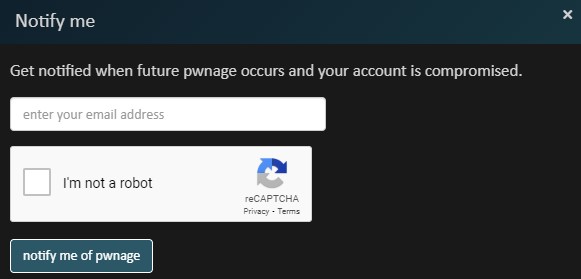
They also offer a service to notify you whenever your email address shows up in a breach. At the top of the website click on [Notify me](https://haveibeenpwned.com/NotifyMe).
Fill in the email address box:
Next confirm the link that was sent to your address:
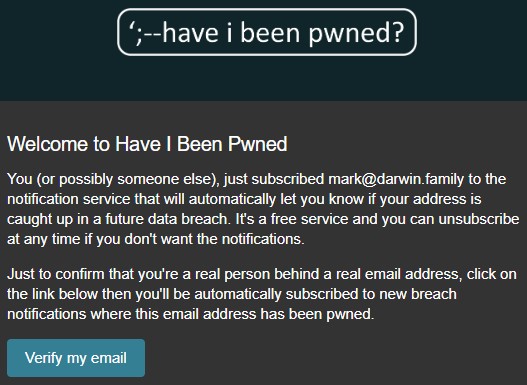
That is it. If your email address is included in a future breach the haveibeenpwned website will send you an email notification.